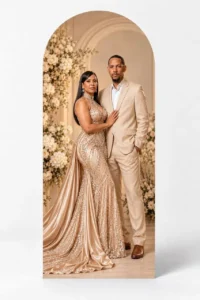
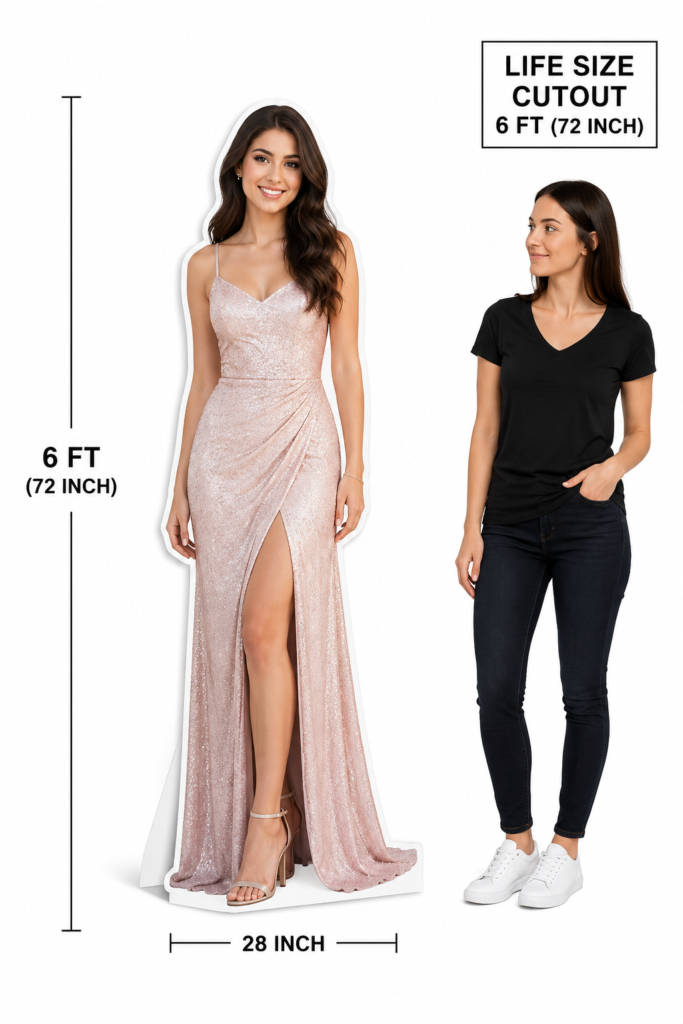
A favourite photo can become a personalized standee for a birthday, wedding, anniversary, graduation or business event. Before ordering, it helps to check that the photo contains the detail and framing needed for a large print.
You do not need to finish the cutout layout yourself. YardSignPrint reviews the supplied image and prepares a mockup for approval. Starting with a clear original photo gives that process the best foundation.
Send the Original File When Possible
Use the original image from your camera, phone or photographer rather than a screenshot of it. A photo copied from social media or repeatedly sent through messaging apps may have been compressed, reducing the detail available for printing.
Changing a file’s DPI setting to 300 does not restore missing detail. What matters is the image information available at the final print size. If you are unsure, ask for a review and include the height of the cutout you want.
Check the Face, Focus and Lighting
Zoom in on the face and look for clear eyes, natural detail and a sharp outline. Strong motion blur, heavy filters or very dark shadows may become more noticeable in a large print.
Even lighting makes it easier to see clothing and edges. Avoid using a tiny person cropped from the background of a group photo when a clearer portrait is available.
Include the Whole Pose You Want Printed
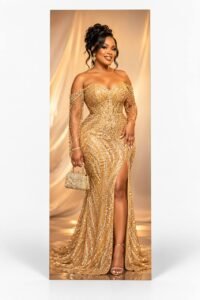
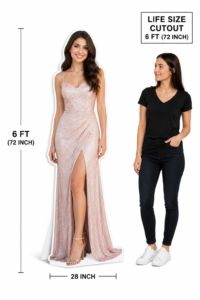
For a full-body cutout, a photo showing the complete head, hands and feet is a useful starting point. If part of the person is outside the frame, that missing area is not available in the original file. Send another photo or ask what design work may be possible before assuming it can be reconstructed.
Keep important accessories in the frame too. If you want a hat, bouquet or other item included, mention it in your customization instructions so the intended outline is clear.
What If My Photo Is Not High Quality?
Send the best version you have and explain the size you want. YardSignPrint can review lower-quality images and work on improvements where possible. Some images may still need a different source photo or a revised design approach; enhancement cannot guarantee the recovery of every missing detail.
Simple personalization is free. If the image requires substantial redesign or a dedicated custom design, any separate design fee is confirmed before that work starts.
Choose the Right Cutout Product
Use the life-size cutout collection to browse photo, couple, sports and anime styles. For a personal photo standee, see the custom life-size Coroplast cutout. For a cartoon or party character request, use the character cutout page.
Check the material in the product listing. A search for a “cardboard cutout” may bring you here, but the linked photo cutout product is Coroplast; those material names are not interchangeable.
Review the Mockup Before Production
Confirm the chosen photo, outline, requested height and design details in the mockup. Cutout production takes 3 business days after final approval. Shipping is additional: typically 2–4 business days in Canada or 3–6 business days to the USA, with possible US customs delays.
Can I use a phone photo?
Yes, a clear original phone photo can be submitted for review. The camera type alone does not determine whether the file suits your requested print size.
Should I send several versions?
If you have alternatives, contact us with your preferred image and requested size so the most suitable source can be discussed.
Choose your life-size cutout style and prepare your original photo for customization.